Turn long videos into short vertical clips with AI.
Paste a YouTube link, choose how many clips you want, and the AI reads the whole transcript to find the moments most worth clipping. You review, trim, and render. An app for Windows.
 Coming soon
Free. For 64-bit Windows 10 and 11.

From an hour-long video to clips ready to post
Five steps, all in one app.
-
Paste a link
Paste a YouTube link and pick the subtitle language.
-
AI finds highlights
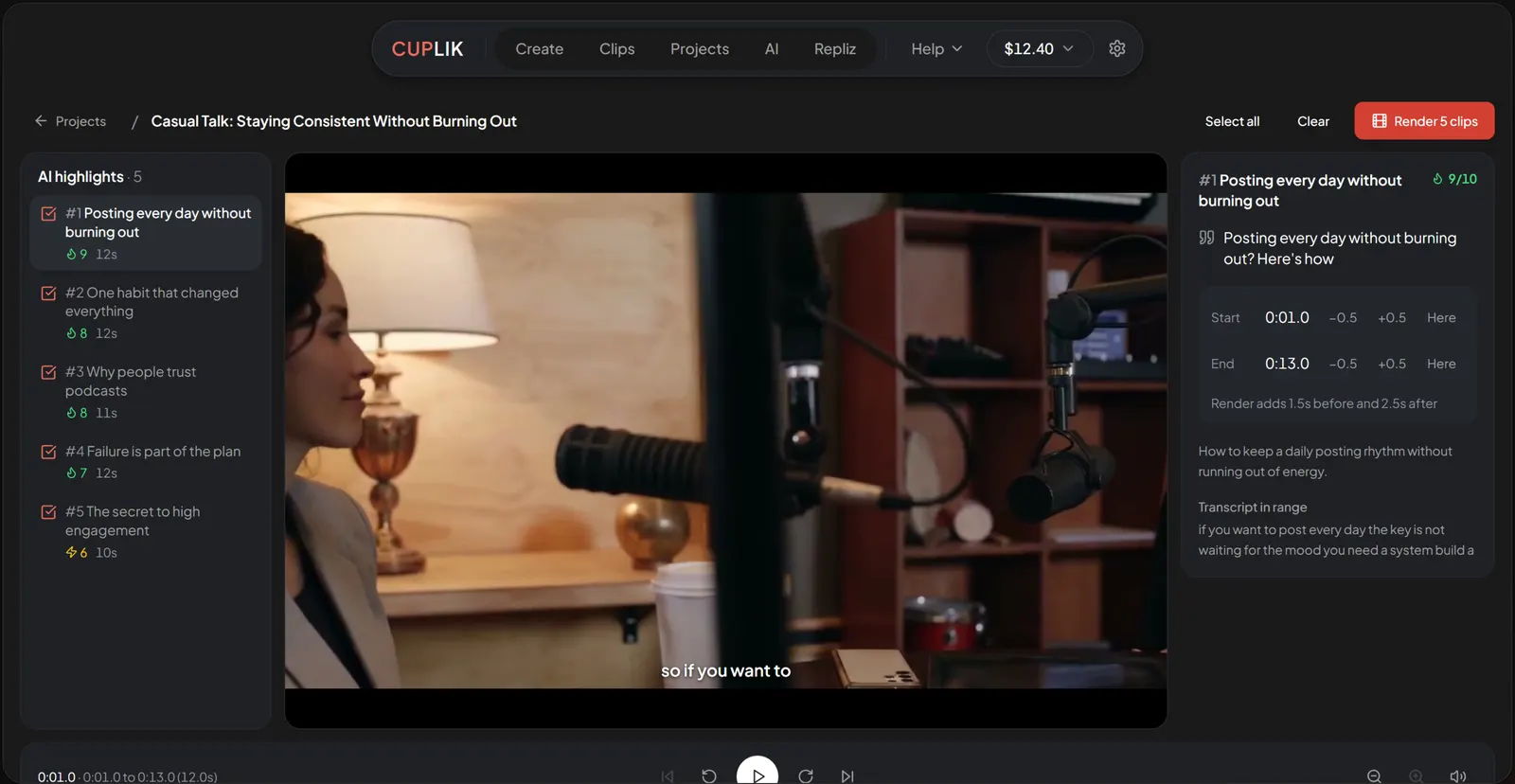
The AI reads the transcript, finds the best moments, and scores each one.
-
Trim
Set each clip's start and end on a timeline editor, with the transcript beside it.
-
Render
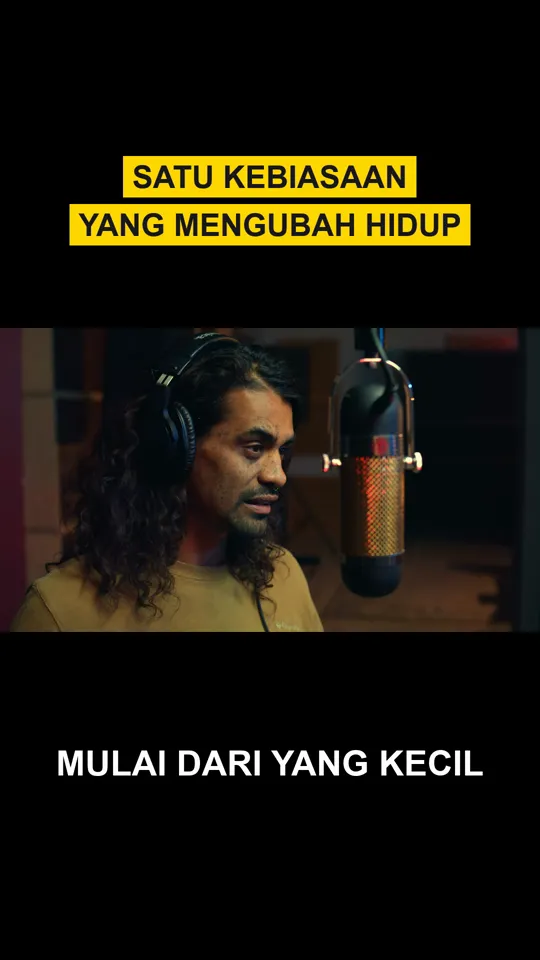
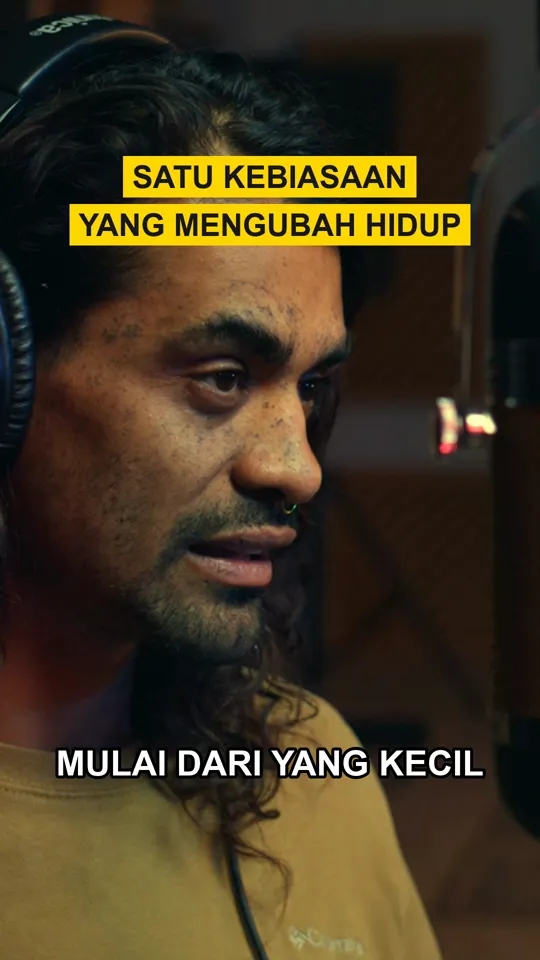
Get a 9:16 video that follows the speaker's face, with word-by-word captions, a hook, your logo, and a source credit.
-
Schedule
Post to many accounts at once through Repliz, without leaving Cuplik.
Clean clips without the busywork
Cuplik handles the slow parts. You still make the final call.
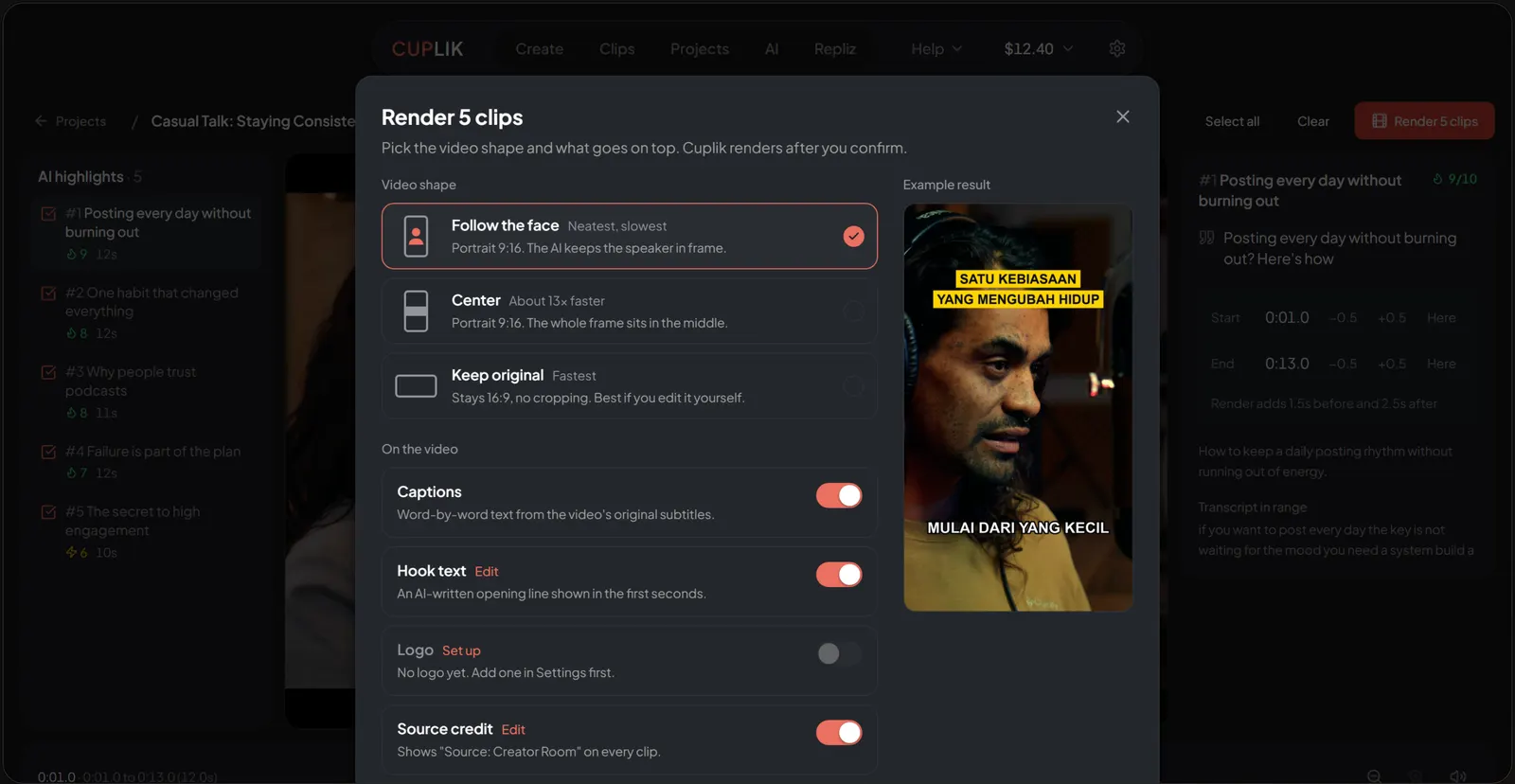
Choose the shape and the look
Before rendering, pick the shape and style of your clips. An example shows you what you will get.
- 9:16 framing that follows the speaker's face, or keep 16:9 to edit it yourself
- Word-by-word captions timed to the speech
- AI-written hook text in the first seconds
- Your logo and a source credit, placed where you want
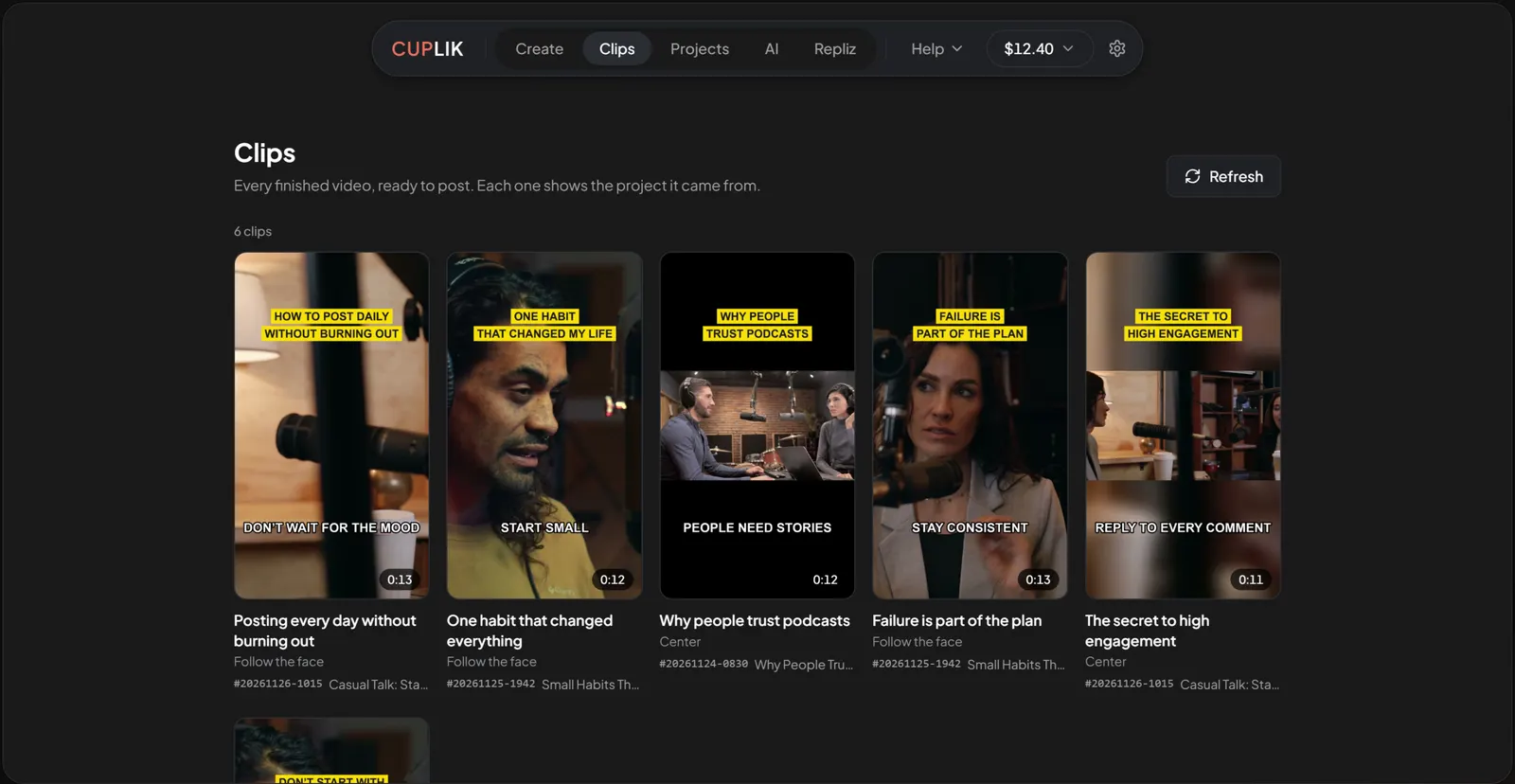
Every clip in one place
The Clips page collects every finished video, linked to the project it came from. Rendering runs on its own, clip by clip, and you can follow the progress.
Schedule posts through Repliz
The AI writes the title and description, you check them. Pick your YouTube, TikTok, Instagram, or Facebook accounts connected in Repliz, set the time, and Cuplik schedules them all at once.
Sign up for Repliz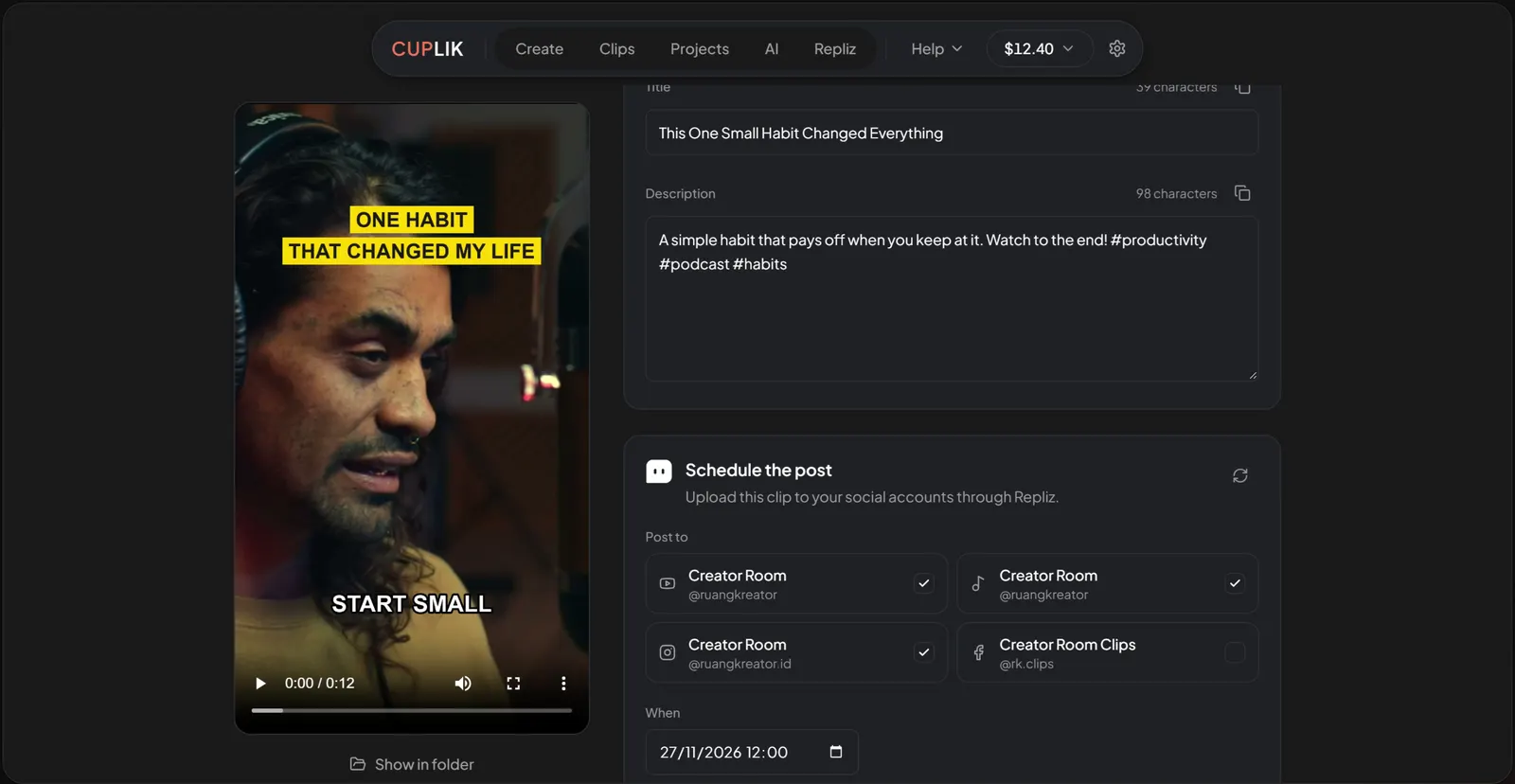
- A score for every highlightSee which moments are strongest before you choose.
- Timeline editorDrag, trim, and check the transcript of every clip before rendering.
- AI titles and descriptionsReady to copy, or used directly when you post.
- Projects pageEvery source video is kept with its clips.
- Faster renderingUses a supported graphics card when you have one.
- Indonesian and EnglishPick the app language the first time you open it.
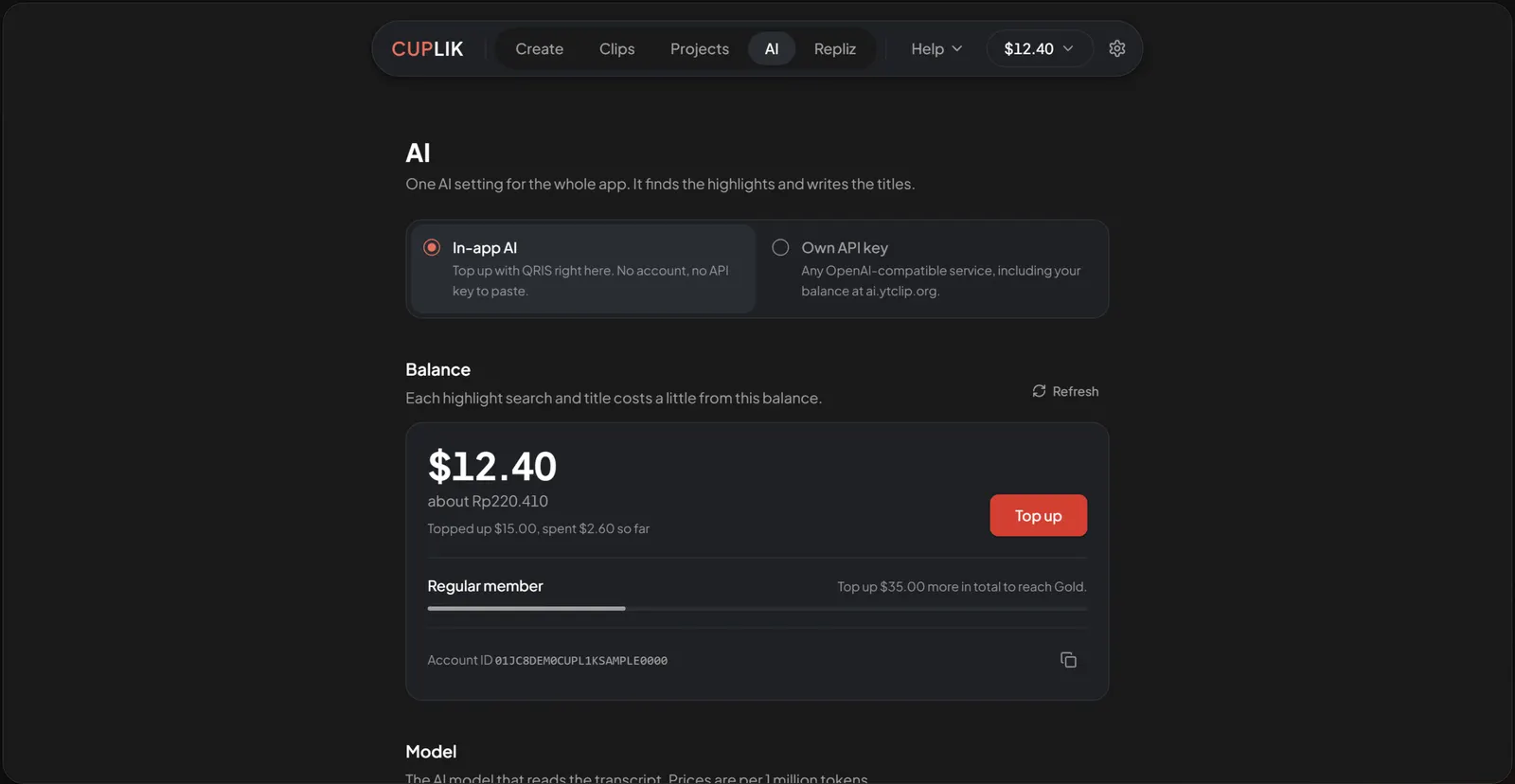
Pay for AI with a balance or your own API key
In Cuplik, the AI finds the highlights and writes the titles. You choose how to pay for it.
Questions people ask
Is Cuplik free?
The app is free to download and use. The only paid part is the AI that finds highlights and writes titles: use the built-in AI balance you top up with QRIS, or your own AI API key. Rendering runs on your computer.
What if I lose my AI balance?
The built-in AI balance is tied to an account key on your computer, with no email or password. Cuplik asks you to save a backup of that key before your first top up. If the key is lost, the balance cannot be recovered, so keep the backup safe. Top ups are not refundable.
What computer do I need?
Windows 10 version 1809 or later, 64-bit, at least 8 GB of RAM, and an internet connection. A supported graphics card makes rendering faster, but you don't need one.
Do I need a Repliz account?
No. Repliz is only used if you want to schedule posts from Cuplik. Without it, your clips stay on your computer and you can upload them yourself.
When will it be on the Microsoft Store?
Cuplik is being reviewed for the Microsoft Store. Once it passes, you can download it there for free from the button on this page.
Can I clip any video?
Make sure you have the rights to the videos you clip and post, such as your own videos or videos whose owners allow it. Cuplik adds a source credit to each clip, but that does not replace permission.
Where can I get help?
Email [email protected]. Tell us which version of Cuplik you use and what happened.
Clip your first video
Cuplik will soon be free to download from the Microsoft Store. Paste one link and see which highlights the AI finds.